

IES and LDT photometry
Attach the manufacturer's IES or LDT file to a variant and see its light distribution curve and photometric summary. The file is checked against the datasheet, with a warning when watts or lumens disagree.
Features
The full capability list, grouped by the part of the job it belongs to. Anything marked AI plan needs the AI Assistant plan; everything else is in both.
Lighting
Attach the manufacturer's IES or LDT file to a variant and see its light distribution curve and photometric summary. The file is checked against the datasheet, with a warning when watts or lumens disagree.
Import a DXF or DWG plan, mark rooms of any shape and choose a room type to set the target lux. Luminaires are placed on a grid, from the plan's own symbols, or by hand on the canvas.
Average lux, minimum lux and uniformity for each room, with a heat map and a lux scale. Treat it as pre-sizing: final designs still need a full calculation in dedicated software.
A multi-room PDF report with a luminaire bill of materials, and a draft quotation created from the project's luminaires for the right customer.
Ask the assistant to design a room. It tries candidate luminaires, shows what it would do and waits for your confirmation before saving anything.
The quick lumen-method estimate on the home page: total lumens, luminaire count and installed power for any room, with no account needed.
Catalogue
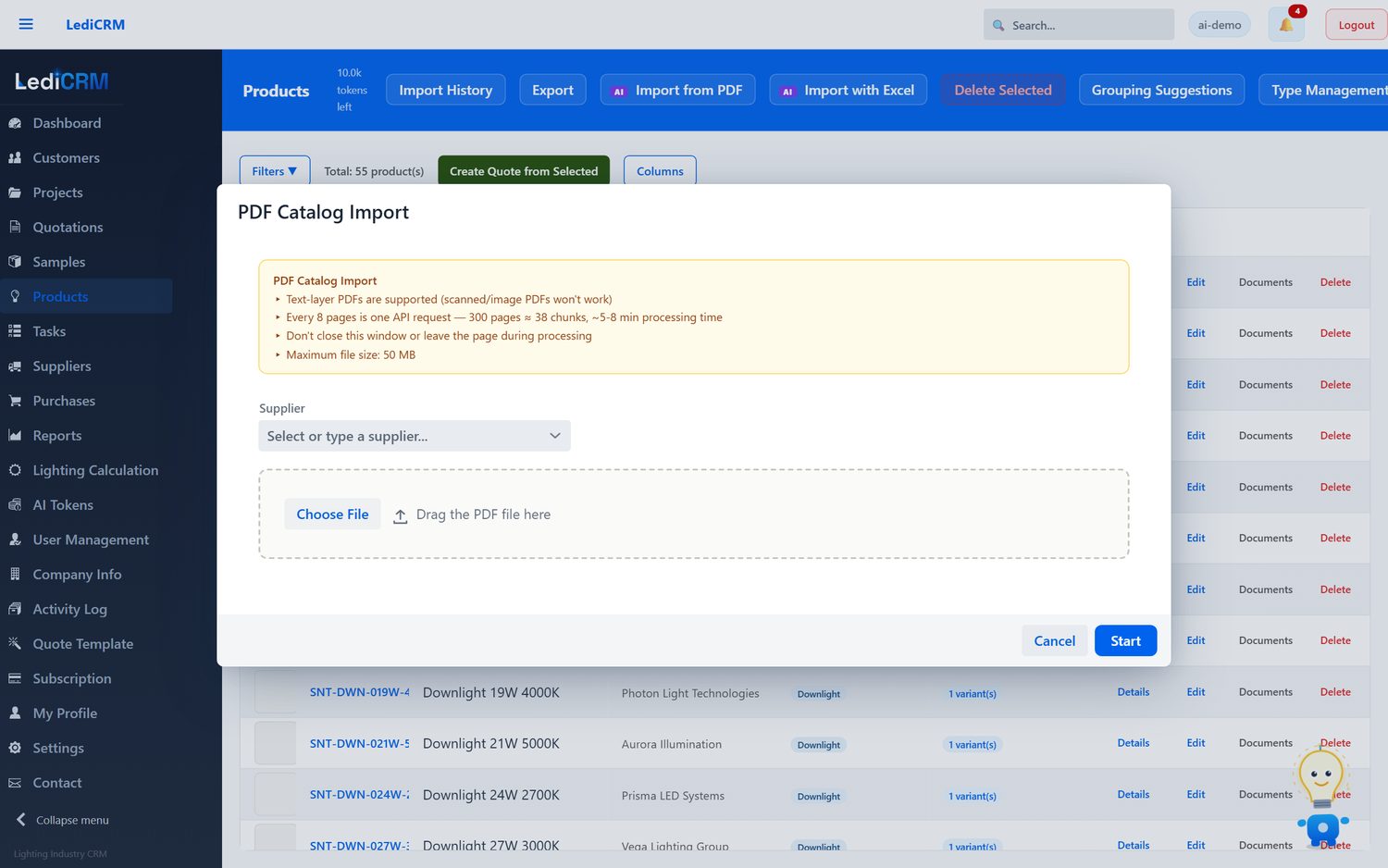
Supplier catalogues are processed in parallel chunks with live progress. Extracted products, specifications and images arrive in an editable preview grid; nothing reaches your catalogue until you commit it.
Before a catalogue is processed, LediCRM inspects it and reports whether the file is legible enough to be worth running.
Products that share a visual appearance are grouped under one parent. Images belong to the parent, and every variant carries its own unique SKU.
Large imports show an estimated cost before they start, and can be checkpointed and resumed rather than restarted.
Sales
Load a project bill of quantities and match its lines against your own range.
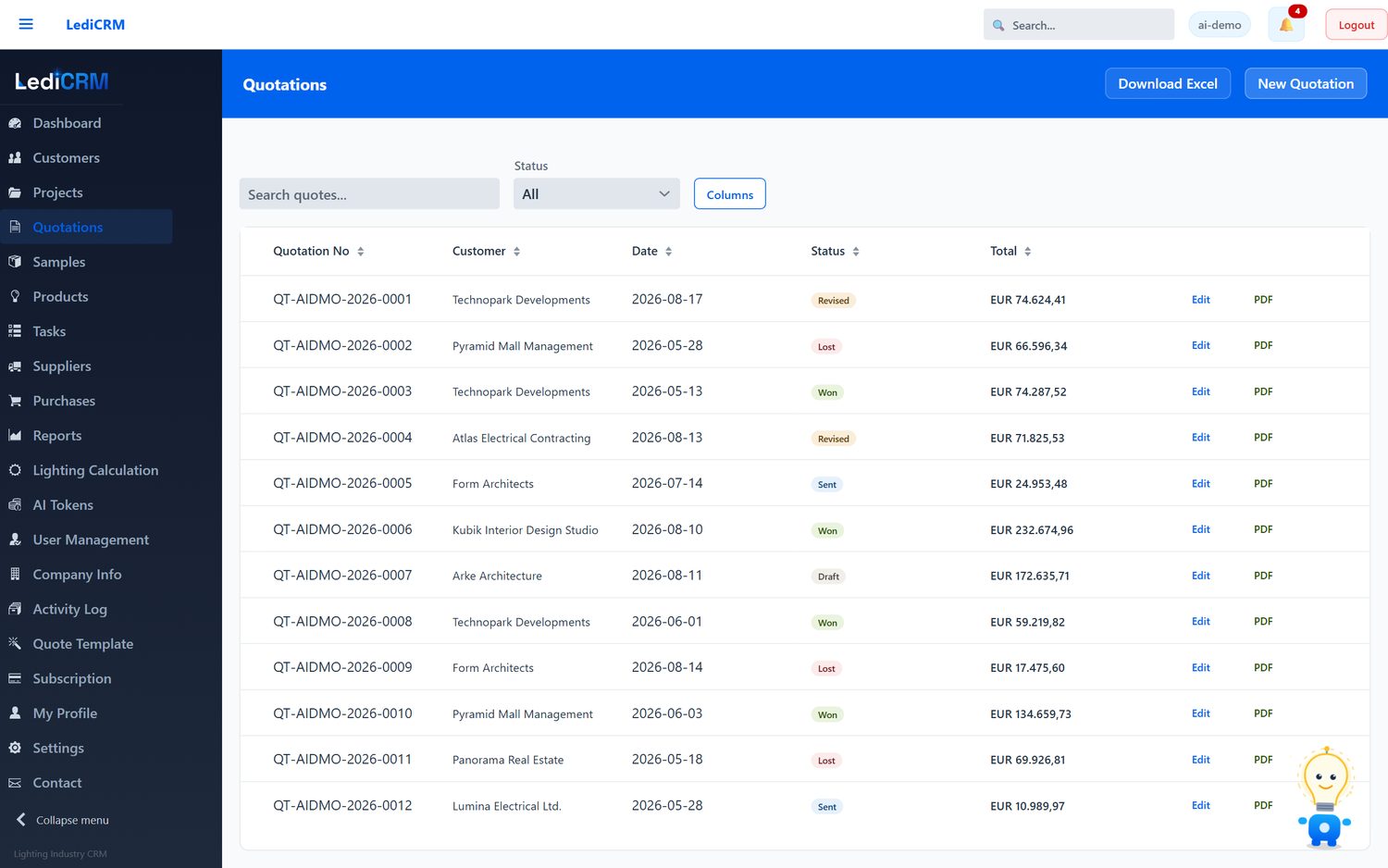
Build quotations from catalogue products or from matched BOQ lines, with revision history against the customer record.
Suggested pricing based on what you have quoted previously, shown as a recommendation you can override.
Companies, contacts, activities and tasks, structured around projects rather than generic deals.
Assistant
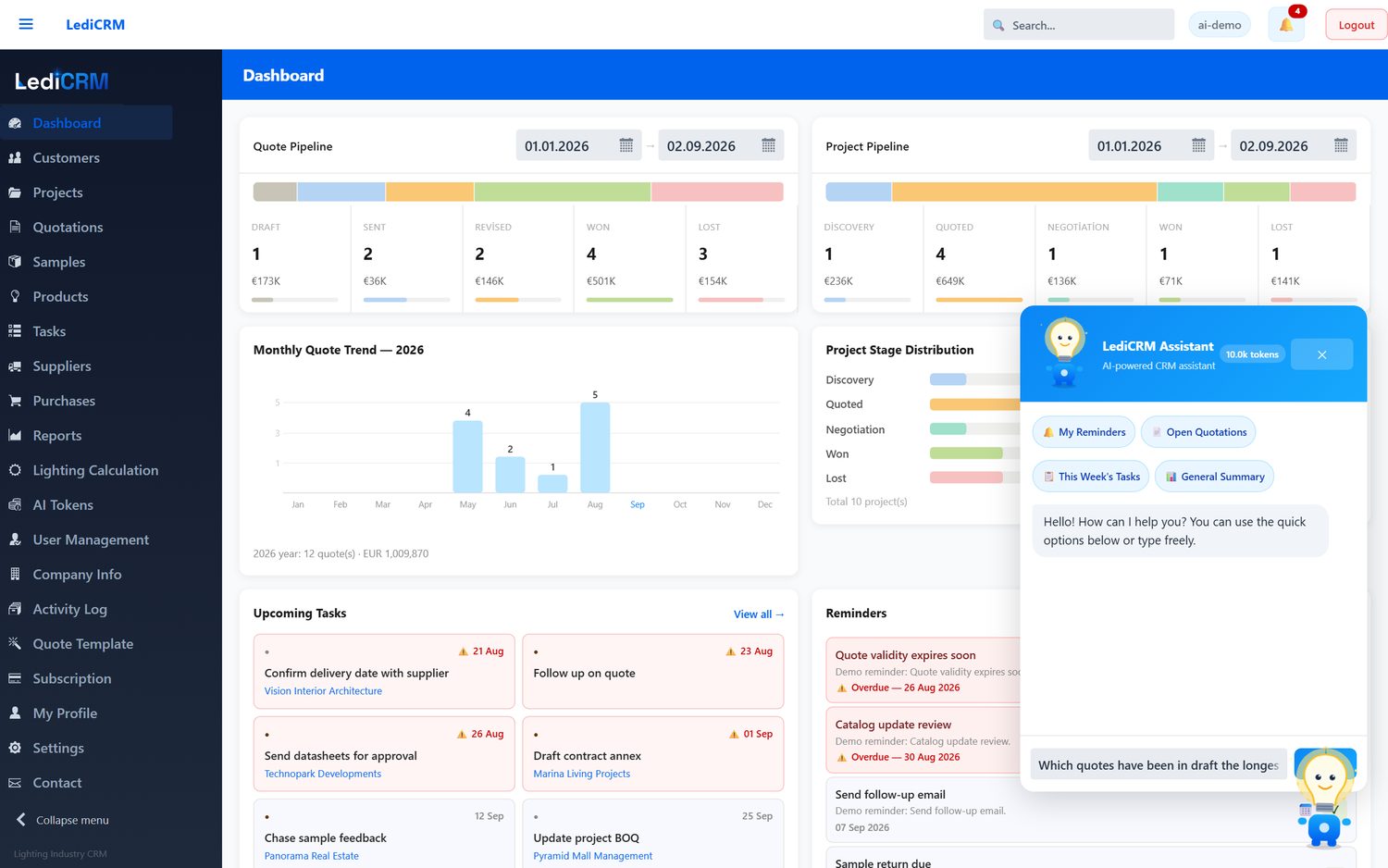
Ask questions in plain language. Answers are produced by querying a read-only database user, so this path cannot modify anything.
When you ask for a change, the assistant proposes one of a fixed set of defined actions and waits for your confirmation before running it.
Describe what you need by specification rather than by keyword, and get matching products back.
Suggested follow-ups drawn from activity on the account.
Platform
Every row carries a tenant id, enforced server-side rather than in the browser.
Add and remove seats as the team changes; billing follows.
Invitations, trial reminders and billing notices are delivered over a dedicated mail service.
Assistant usage is metered in tokens with an included monthly allowance, visible in the account at any time.